
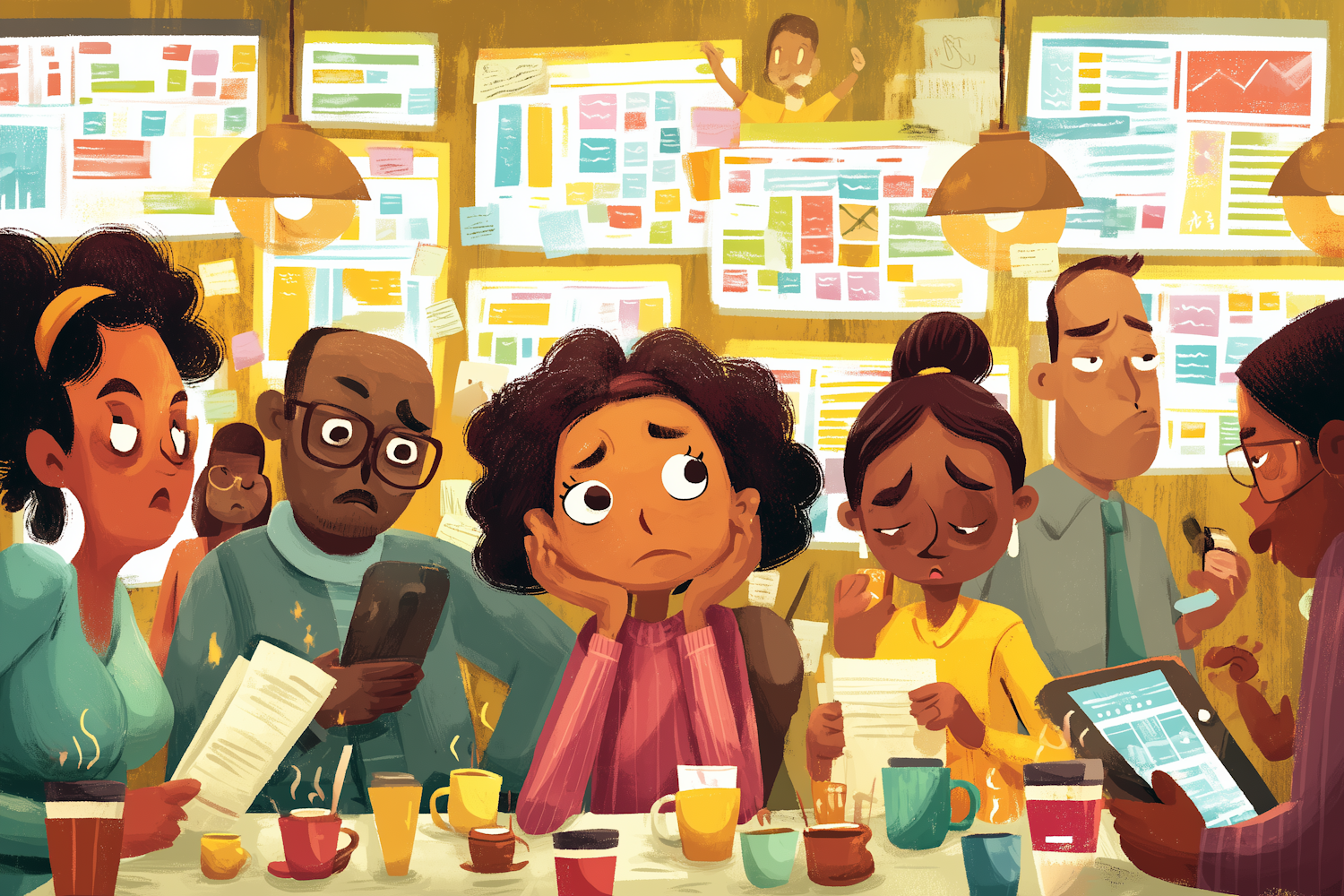
Transform your ticket-shuffling nightmare back into productive teamwork
When Your Helper Becomes the Hindrance
You bought the project management tool to make life easier, didn’t you? To bring order to the chaos, visibility to the murky backlog, and sanity to your sprint planning. But somewhere along the way, you’ve realised you’re spending more time wrestling with the tool than actually managing the product.
Sound familiar? You’re not alone. A recent discussion in the agile community highlighted what many of us have suspected for ages: our project management tools have become the very thing that’s slowing us down. Instead of supporting our teams, they’re dictating our processes. Instead of clarity, we’ve got confusion. Instead of efficiency, we’ve got… well, five clicks deep just to move a bloody ticket.
The symptoms are everywhere. Your developers have become professional status updaters. Your stand-ups revolve around ticket numbers instead of actual problems. Your retrospectives focus more on workflow configurations than team improvements. The tool that was meant to enable agility has somehow created more bureaucracy than a Victorian tea service.
The Kitchen Nightmare: When Simple Tools Become Complex Monsters
Here’s the thing about project management tools—they’re like those fancy kitchen gadgets that promise to revolutionise your baking. You know the ones: the multi-attachment stand mixer with seventeen different speeds, the precision scale that measures to the nearest gramme, the temperature probe that sends alerts to your phone.
But here you are, trying to make a simple Victoria sponge, and you’re drowning in settings, configurations, and custom workflows. You’ve got so many fields to fill, reports to generate, and approvals to track that you’ve forgotten why you started baking in the first place. Meanwhile, your grandmother could whip up the same cake with a wooden spoon, a mixing bowl, and her own two hands.
The problem isn’t the ingredients—it’s that we’ve let the kitchen equipment take over the entire bakery. Your project management tool has grown tentacles into every aspect of your product development process, and now it’s strangling the life out of what should be simple, human interactions.
The passionate discussion amongst agile practitioners reveals the core issue: middle management wants waterfall predictability with agile pace, and they’re using these tools to enforce control rather than enable collaboration. The result? Your team spends more time feeding the beast than building the product.
The Recovery Recipe: Getting Your Tool Back in Its Lane
Right, enough moaning. Time for the practical bit. Here’s your step-by-step recipe for taming your project management tool and getting back to actual product management:
1. Conduct a Tool Audit (The Marie Kondo Method)
List every field, workflow, report, and custom configuration in your current setup. For each item, ask: “Does this spark productivity?” If it doesn’t directly help your team deliver better products faster, bin it. Be ruthless. That custom field for “Strategic Alignment Score”? Gone. The five-step approval workflow for changing a story point estimate? Toast.
2. Go Back to Basics
Start with the fundamental question: what does your team actually need to know? Usually, it’s just three things: what we’re building, who’s building it, and when it needs to be done. Everything else is noise. Configure your tool to show these basics clearly, and hide everything else.
3. Establish the “Two-Click Rule”
Any common action should be achievable in two clicks maximum. Moving a ticket, updating status, viewing team capacity—if it takes longer, your configuration is too complex. Simplify until your most frequent actions become effortless.
4. Create Communication Channels Outside the Tool
Here’s a radical idea: talk to each other. Use your tool for tracking and transparency, but handle discussions, decisions, and problem-solving through actual conversations. Slack, stand-ups, one-on-ones – whatever works. Just don’t let ticket comments become your primary communication method.
5. Set Tool-Free Times
Designate specific times when the tool is off-limits. Focus sessions, brainstorming meetings, user interviews. Protect these crucial activities from the administrative overhead. Your team needs thinking time, not ticket time.
6. Measure What Matters
Stop tracking everything and start measuring impact. Instead of story points completed, track customer problems solved. Instead of velocity charts, measure time to value. Your tool should surface insights that help you build better products, not prettier graphs.
7. Train for Simplicity
When onboarding new team members, teach them the minimal viable usage of your tool. Show them the three things they need to know and the five actions they’ll use daily. Save the advanced features for when they actually need them – which might be never.
8. Regular Tool Reviews
Schedule quarterly “tool retrospectives” with your team. What’s working? What’s slowing us down? What can we remove or simplify? Treat your tool configuration like technical debt – it needs regular attention, or it’ll accumulate into a massive problem.
Why This Recipe Works
This approach works because it puts people back at the centre of product development, where they belong. Tools should be invisible enablers, not prominent personalities in your team dynamic. When your project management tool steps back into its proper role – supporting rather than directing – your team can focus on what actually matters: solving customer problems and delivering value.
The goal isn’t to eliminate project management tools entirely. When used properly, they’re brilliant for visibility, coordination, and keeping track of complex initiatives. The goal is to prevent them from becoming the main character in your product story.
Remember: you’re managing products and people, not tickets and workflows. Your tool should fade into the background, enabling great work rather than creating work of its own. Keep it simple, keep it focused, and keep it in its lane.
Leave a Reply